Every costume, on the big screen
Put the QR code by the punch bowl, and the party fills the TV with costumes, spooky selfies and videos from the dance floor. Then let the room vote for the best costume, live on the screen.
Free to start. No card needed.
Scan the code on the screen with your phone, or try it here.Only you can see what you post.
Ready before the first trick-or-treater
- 1
Make it in a minute
Name your party and pick the Pumpkin colors. Free for up to 100 posts, no card needed. - 2
Put it on the TV
Open the screen link on the TV or a projector. The QR code shows in the corner, or print it for the front door. - 3
Guests post their costumes
Photos, videos and messages from everyone’s phones, with a Wanted poster or Breaking News over the best ones. - 4
Crown the best costume
Add a poll with the top costumes. Guests vote from their phone and the screen counts along as the votes come in. - 5
The morning after
Everyone opens the album and saves their photos, or makes a poster of the whole night.
Made for a costume party
A costume contest that runs itself
A poll on the screen with its own QR code. One vote per phone, counted live, as bars, columns or a pie.No app, no account
Guests scan the code and post from their phone’s browser. No app, no account, no password.You decide what shows
Turn on Approve first for a family party, and nothing reaches the screen until you say so.A photobooth by the door
An iPad on a stand becomes a photobooth with a countdown, boomerangs and photo strips. Try it free before the party; it comes with Basic and Pro.How the photobooth worksPumpkin colors
Orange on midnight purple, with a font and a background photo of your own. Or any colors you like.A friend on screen duty
Invite a friend as a moderator to keep an eye on the screen while you hand out candy.
More tricks, more treats.
Polls, live on the screen
Ask the room anything. Guests scan the code and vote from their phone, and the screen counts along as the votes come in. As bars, columns, a pie or a donut.
Styles for any photo
Breaking News, a Wanted poster or a movie scene, with words of their own. Guests pick one when they post, and the photobooth offers them right after the shot.


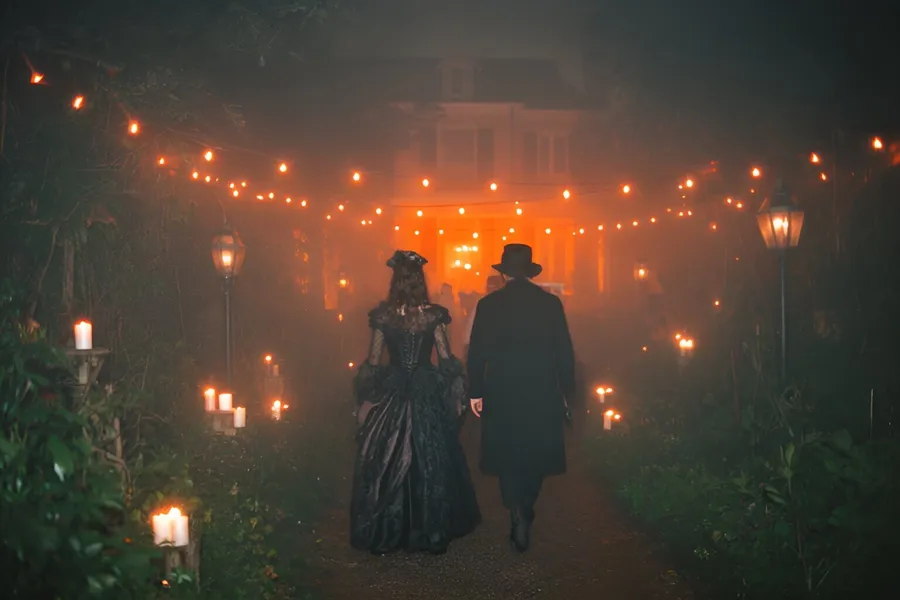
Effects
Guests send a photo in with hearts, high fives or confetti bursting across the screen.
Reactions
Guests react to each other’s posts from their phone, and the screen shows it.
Messages
No photo? Guests write a message, like who brought the fog machine, and it plays big on the screen.
Layouts
One photo at a time, a grid, snapshots dropping on a pile, or columns drifting up.
On every phone
Guests can watch the screen from their phone too, wherever they are in the room.
Your own posts
Put yours between the guests’: the costume contest at eleven, the punch, the Wi-Fi.
A poster of everyone’s photos
The morning after, turn the album into a poster of every costume: scattered like snapshots, or in a heart. Print it for the fridge, or send it to everyone who came.
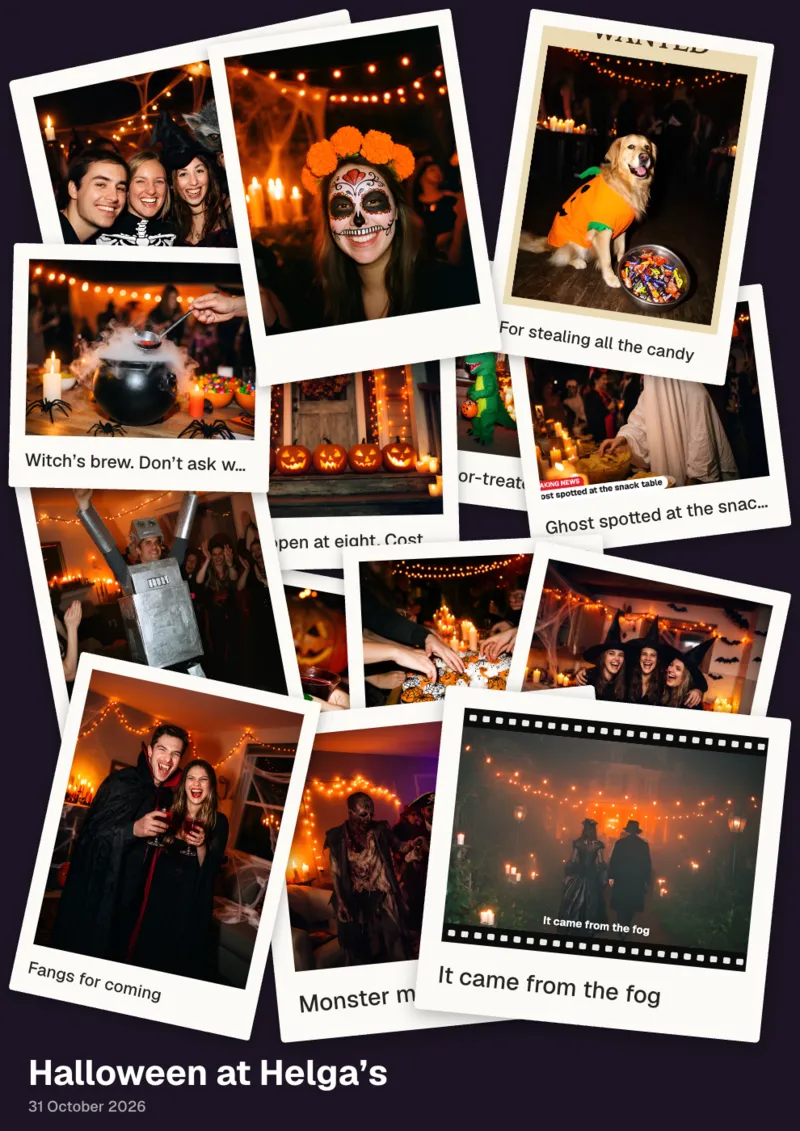
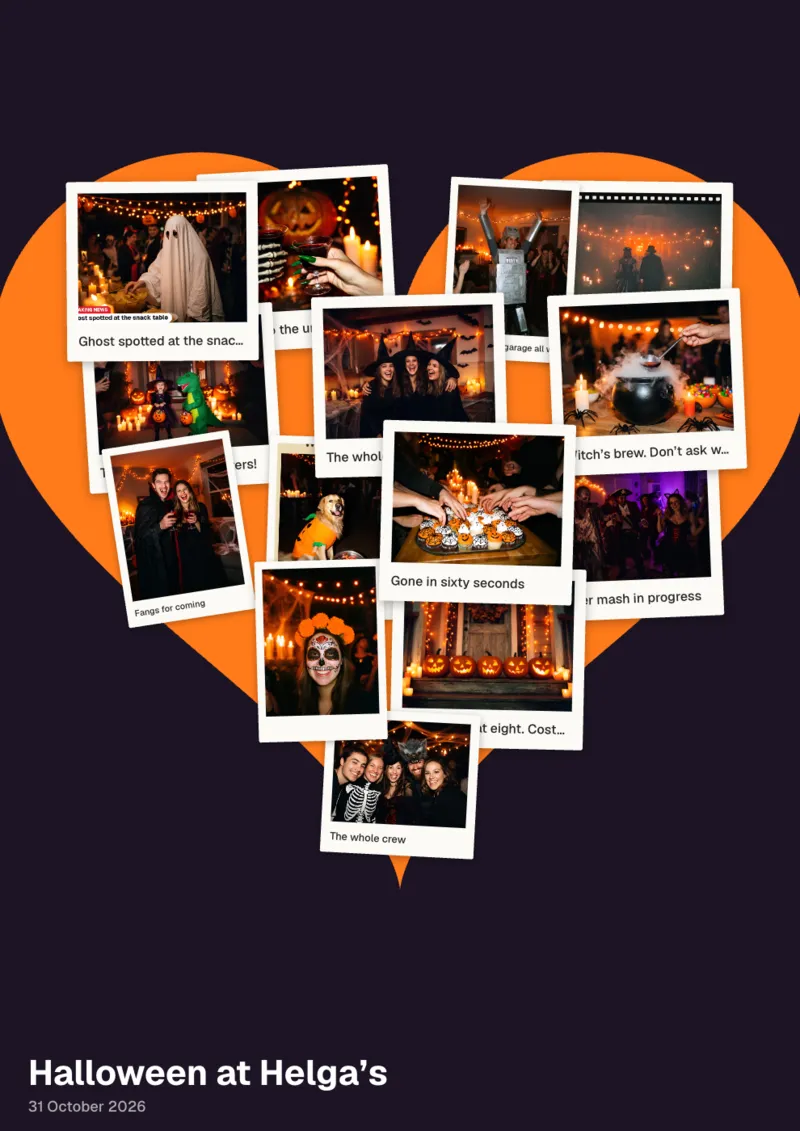
After the party, keep every costume.
Every photo from every phone in one place, ready for next year’s invitation.
The downloads with Basic and Pro, the slideshow with Pro.
Every photo in one zip
All the photos and videos from the night in one download, for you and the guests.
Or just the ones you pick
Tick the best costumes and download only those.
The whole slideshow
It plays on any computer, offline, just as it did on the night. Bring it out again next October.
Good to know
- Which plan
- Free is enough for most house parties: up to 100 posts, and guests can post for 48 hours from the first post. Basic ($29) takes up to 600 posts and keeps the photobooth on all night.How the photobooth works
- The costume contest
- Make the poll before the party, then change its answers to the real favorites once you’ve seen them. Close voting to keep the winner on the screen.
- Dark rooms
- Phone photos by candlelight come out dark. A lamp by the door or the photobooth helps the best costumes shine.How the photobooth works
- Sound
- Videos from the dance floor can play with sound. Turn it on in Design, then press Enable sound once on the screen.
Questions
Make your photo wall.
Free to start. No card needed.